
Appearance
Set the Initial Scale
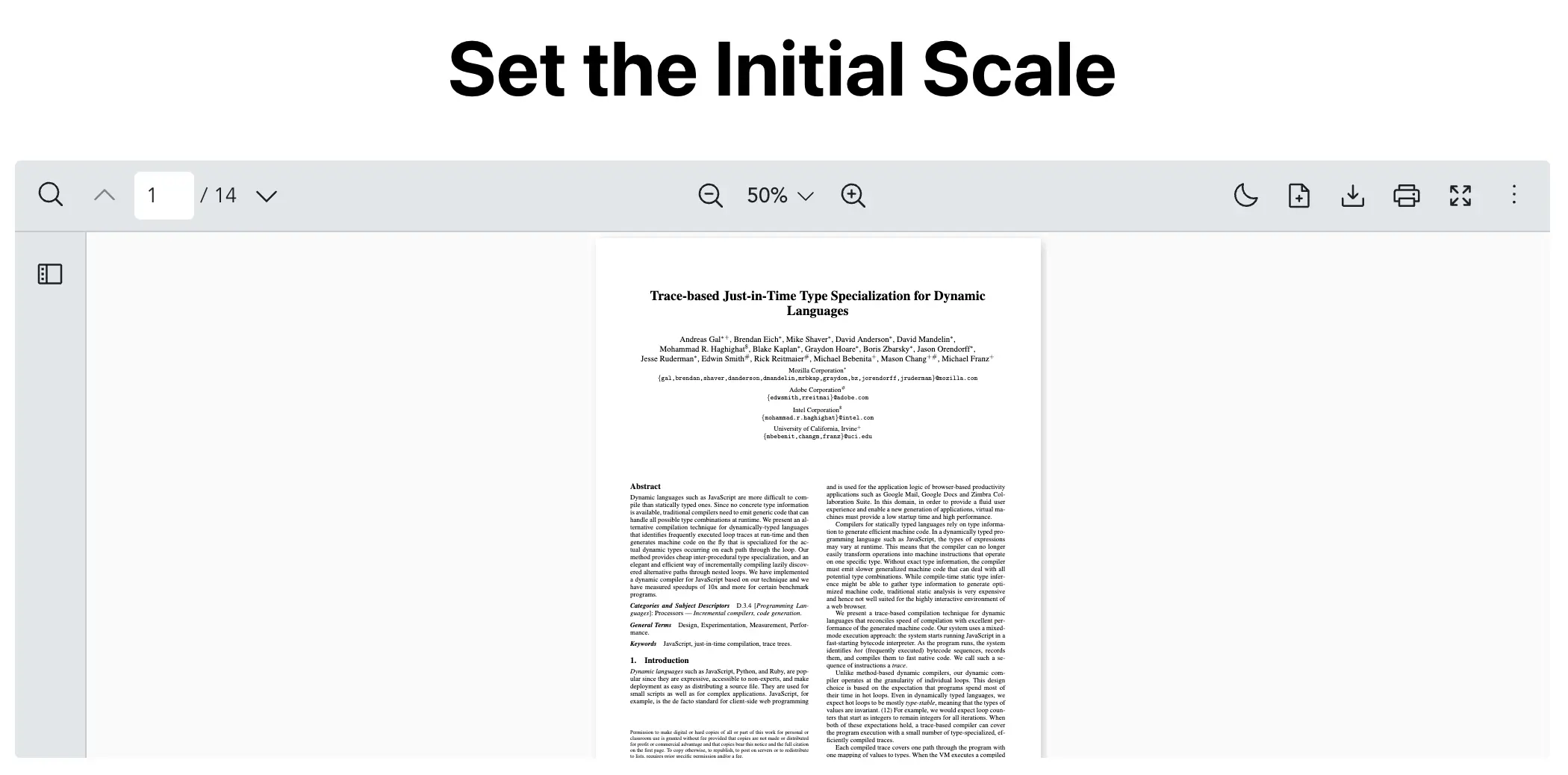
Scenario
You want the Vue PDF Viewer to open at a specific zoom level instead of using the default scale.
This is useful when:
- Opening a document at a smaller zoom level for a broader overview
- Showing a PDF at a larger zoom level for easier reading
- Starting every user at the same zoom level
What to Use
Use the initialScale prop from the Component API to set the zoom level displayed on first load.
| Prop | Objective |
|---|---|
initialScale | Display the PDF document at a specific zoom level when it first loads. |
vue
<script setup lang="ts">
  import { VPdfViewer } from "@vue-pdf-viewer/viewer";

  // Scale ranges from 0 to 1 (0.5 = 50% zoom).
  const INITIAL_SCALE = 0.5;
</script>
<template>
  <h1>Set the Initial Scale</h1>
  <div :style="{ width: '1028px', height: '400px' }">
    <VPdfViewer
      src="https://raw.githubusercontent.com/mozilla/pdf.js/ba2edeae/web/compressed.tracemonkey-pldi-09.pdf"
      :initial-scale="INITIAL_SCALE"
    />
  </div>
</template>
Need More Control?
If you need to change the zoom level after the viewer has loaded, use the Zoom Controller and call zoomControl.zoom(...).
initialScale is your starting zoom level when the PDF first loads while zoomControl.zoom(...) is for changing the viewer scale later on.