Text Selection Annotations
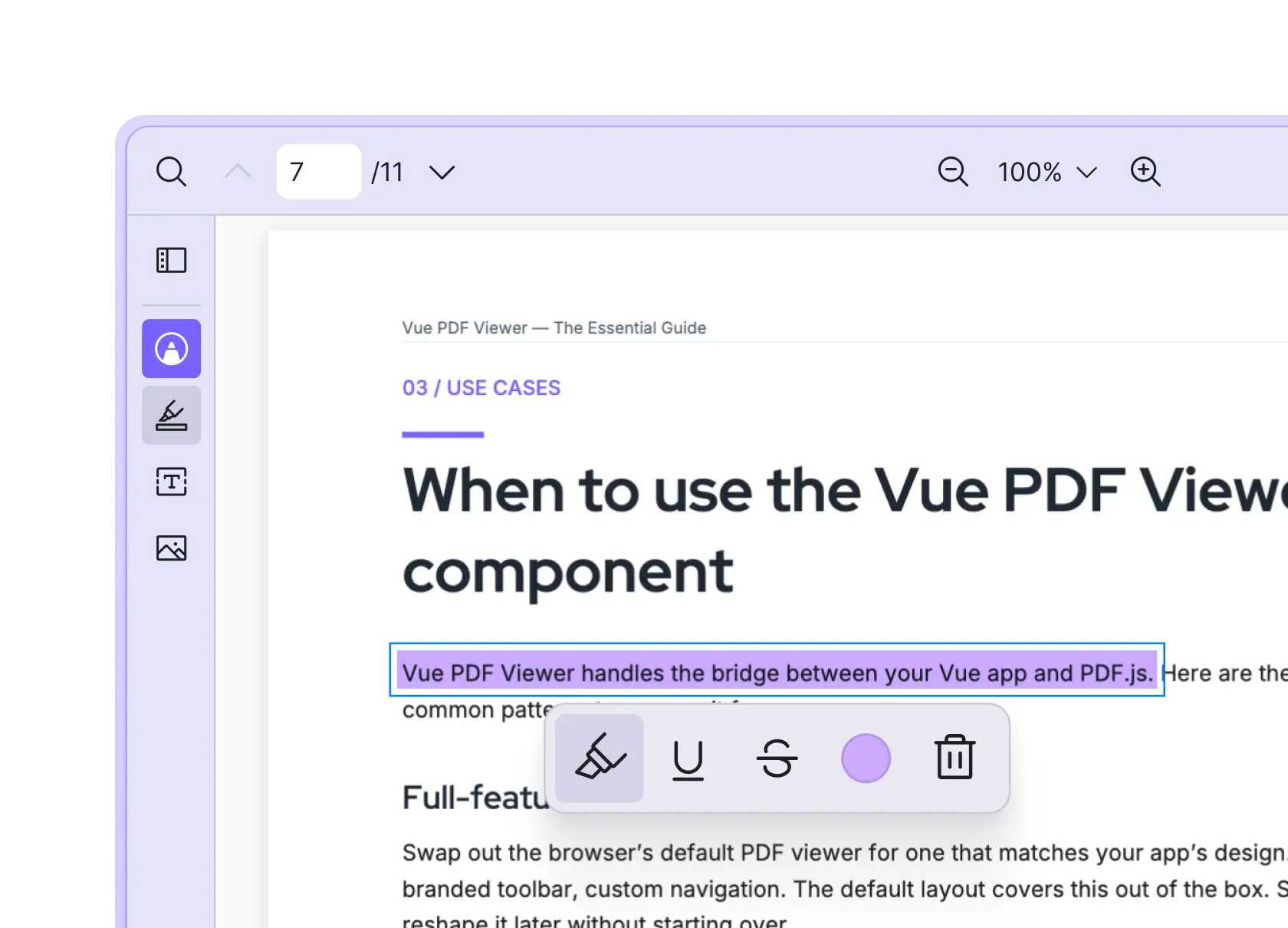
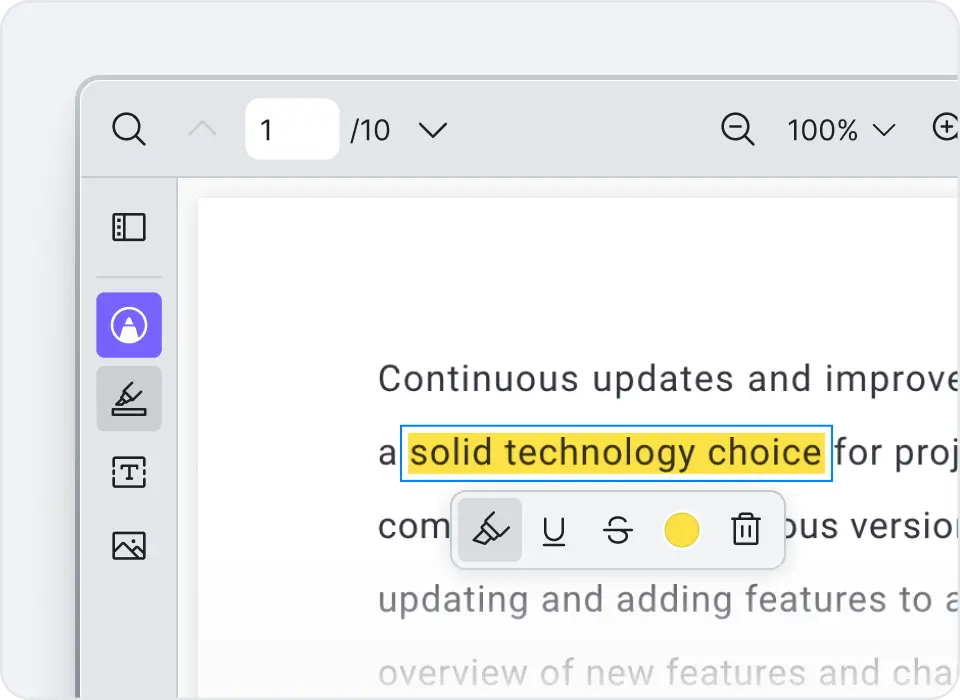
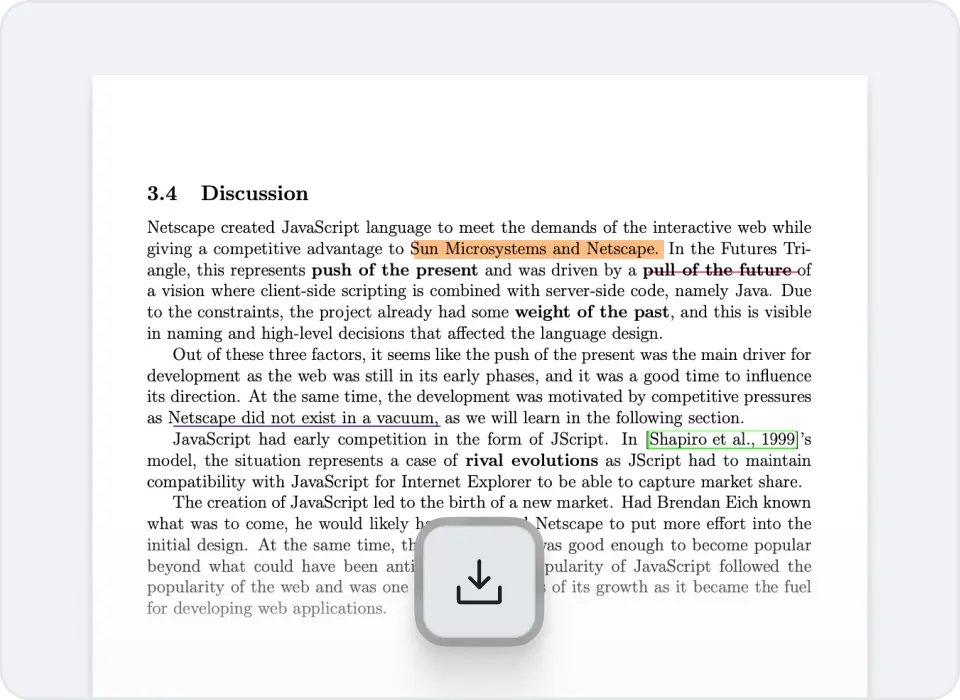
Let users highlight, underline, or strike through any text in the PDF. Each style supports custom colors, so reviewers can flag different categories of feedback at a glance.
Add highlight, underline, strikethrough, free text, and image overlay annotations to PDF documents in your Vue 3 or Nuxt app. The plug-in drops into the Vue PDF Viewer with a single prop, no extra wiring needed.
Vue PDF Viewer's annotation plug-in covers the markup tasks reviewers actually do: comment on text, leave a note, drop in a logo or signature image. Every annotation type is configurable, and users can save their work back into the PDF.
Let users highlight, underline, or strike through any text in the PDF. Each style supports custom colors, so reviewers can flag different categories of feedback at a glance.
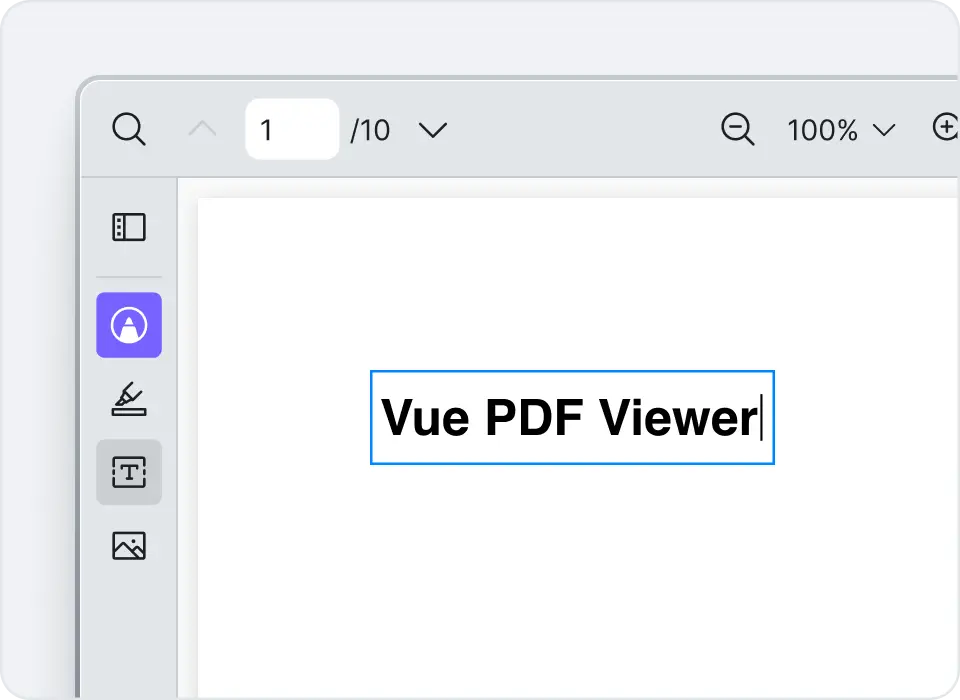
Add editable text boxes anywhere on the page. Configure font size, color, and opacity to match the document or your application's brand.
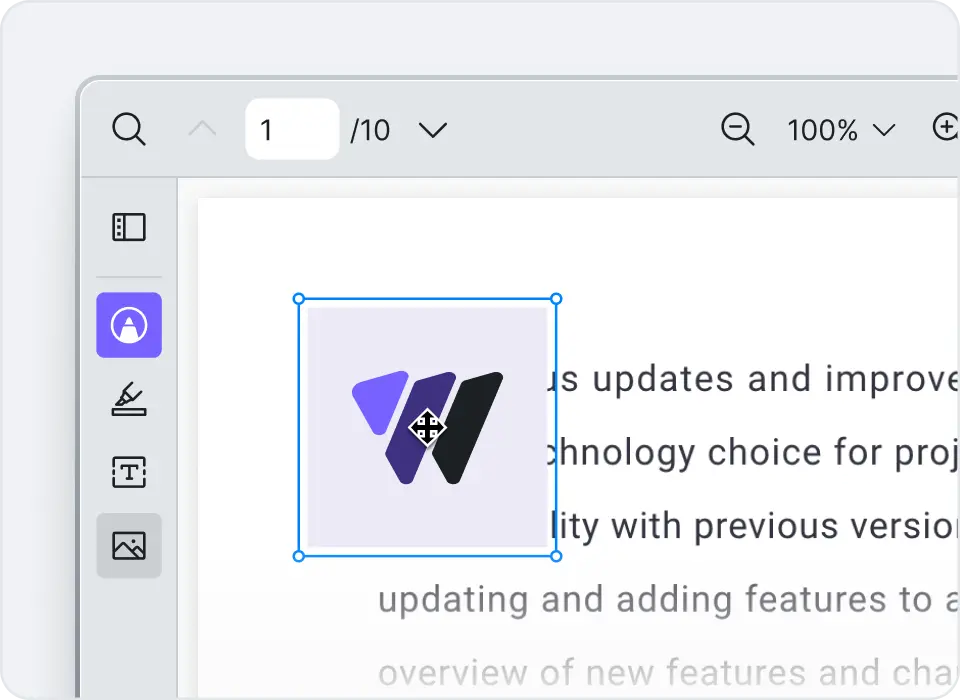
Drop an image onto any page. Supports apng, avif, bmp, gif, jpeg, png, svg, webp, and x-icon. Use it for stamps, logos, or signature images.
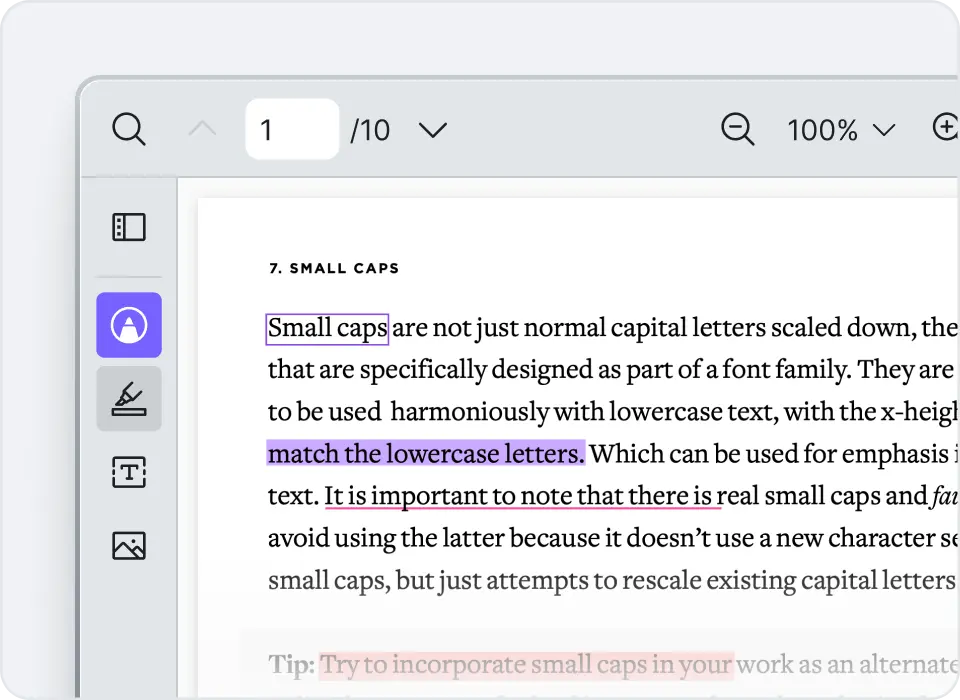
Configure colors, fonts, opacity, and stroke styles for every annotation type. Set the defaults that fit your application instead of accepting whatever ships out of the box.
Users can print the document or download a new PDF file with the annotations baked in. The output is a standard PDF other tools can open, share, and archive.
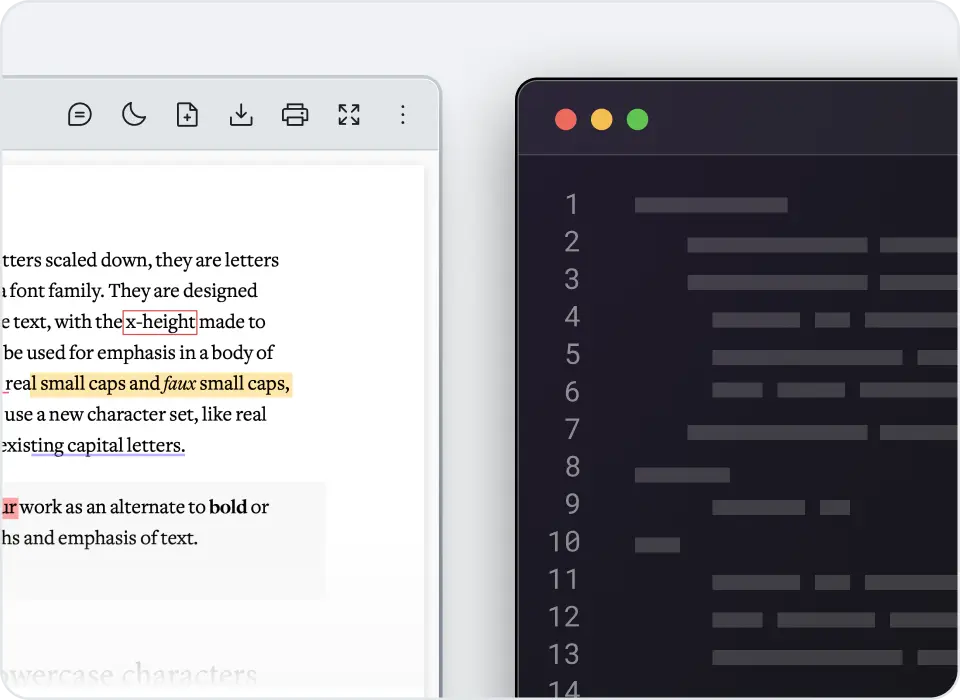
Hook into annotation events with callback functions. Capture create, update, and delete actions to persist annotations to your own backend, sync them across users, or trigger downstream workflows.
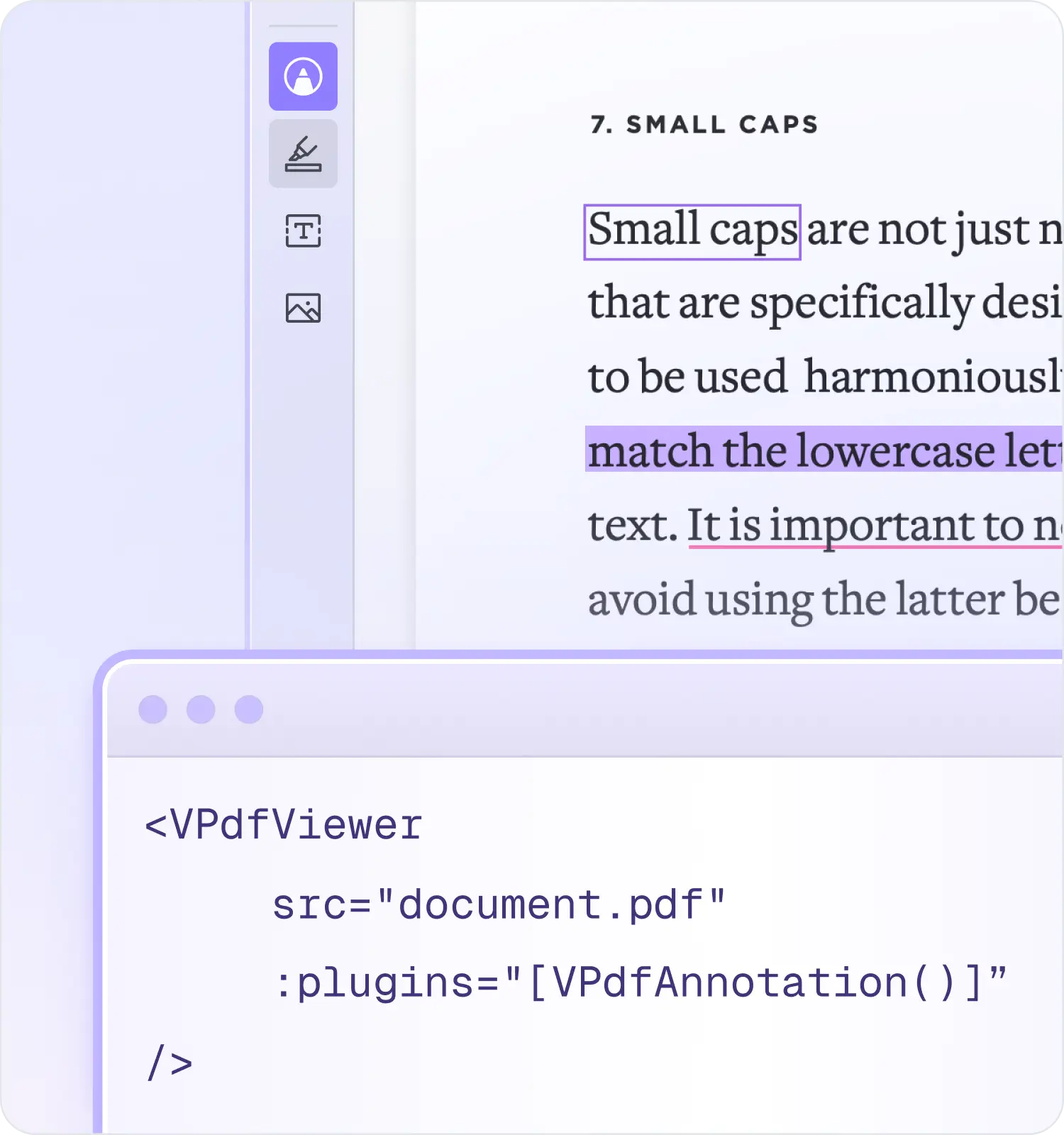
The annotation plug-in is a separate package that the Vue PDF Viewer accepts through its `plugins` prop. Install it, import it, pass it in. That's the integration.
Install
npm install @vue-pdf-viewer/viewer @vue-pdf-viewer/annotationUse
<script setup>
import { VPdfViewer } from '@vue-pdf-viewer/viewer'
import { VPdfAnnotation } from '@vue-pdf-viewer/annotation'
</script>

<template>
  <VPdfViewer
    src="document.pdf"
    :plugins="[VPdfAnnotation()]"
  />
</template>
The same pattern works in Composition API, Options API, and Nuxt projects. Configuration options (default colors, allowed tools, callbacks) get passed into `VPdfAnnotation()` as an options object. The full reference lives in the annotation plug-in documentation.
Annotation tools are only as useful as the viewer around them. If reviewers can't search a 200-page contract, jump to a section, or read on a tablet, the annotation feature stops mattering. Vue PDF Viewer ships with the surrounding experience already built.
See all features
Render hundreds of pages without freezing the browser. Annotations stay attached to the right page even when the document scrolls past hundreds of others.
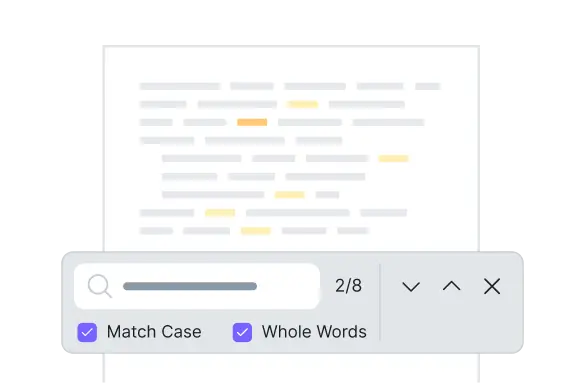
Reviewers can find what they need to annotate instead of scrolling for it.

The viewer adapts to tablet and phone screens with a configurable trigger point. Highlighting, free text, and image overlay all work on touch devices.
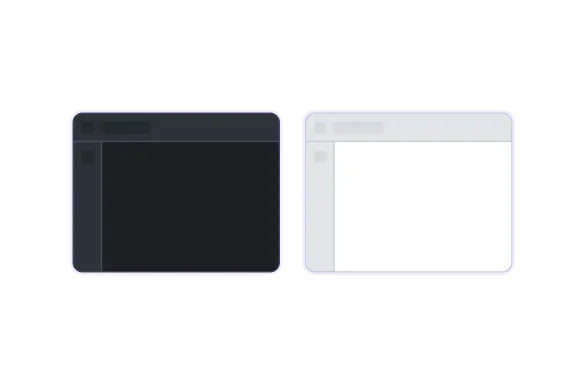
Built-in dark mode plus full CSS variable theming. Annotations render correctly in both.

Five languages ship by default and a custom language can be added through the localization API. Annotation tooltips and labels translate alongside the rest of the viewer.
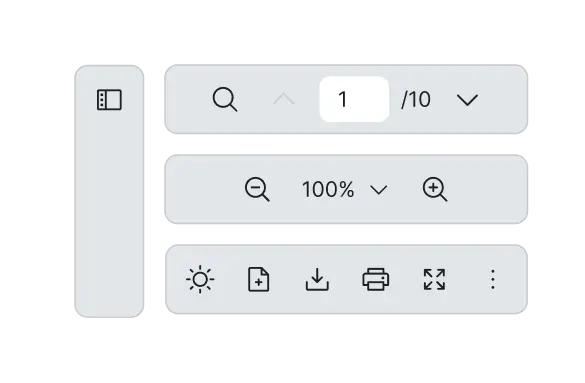
Show, hide, replace, or reorder toolbar tools through slots. Build your own toolbar entirely if the default doesn't fit.
Highlight, underline, and strikethrough on selected text. Free text boxes anywhere on a page. And image overlays for stamps, logos, or signature images. Each style supports custom colors, fonts, and opacity.
Two ways. Print or download a new PDF with annotations baked in. If you need server-side storage, the plug-in fires callbacks on create, update, and delete so you can handle persistence yourself.
Not yet. The current plug-in covers text selection styles (highlight, underline, strikethrough), free text, and image overlay. Freehand drawing and shape annotations are on the roadmap. For the latest, check the changelog.
Yes. The viewer is mobile responsive by default and the annotation plug-in follows the same layout. All annotation tools work on touch.
Yes. Configure colors, opacity, and stroke styles per annotation type through plug-in options. The toolbar is customizable separately through slots and CSS variables.
Yes. Vue PDF Viewer renders client-side only, so Nuxt hydration errors aren't an issue. There's a Nuxt starter kit in the docs.
Yes. The annotation plug-in is part of the Vue PDF Viewer package and covered by both the Developer License and the Organization License. See pricing for license details.
Free trial available. No credit card needed. Production-ready in minutes, not weeks.