
Appearance
Set the Initial Page
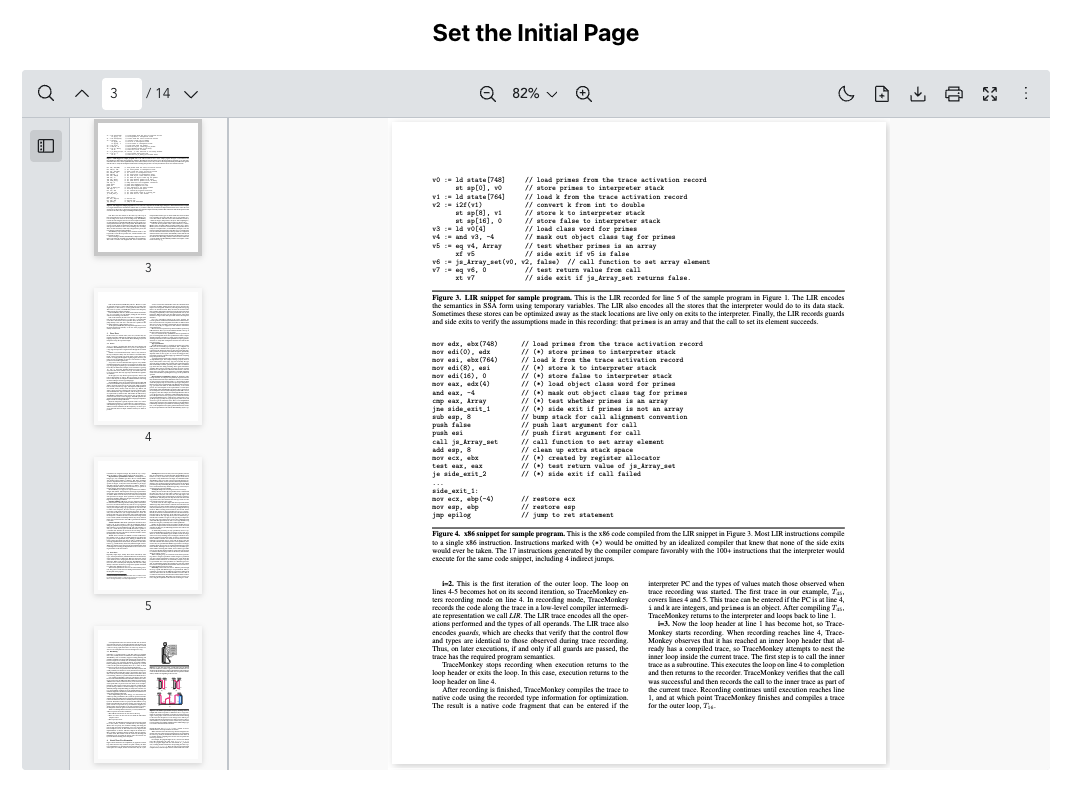
Scenario
You want the Vue PDF Viewer to open on a specific page instead of page 1.
This is useful when:
- Navigating users to important sections of a document
- Restoring a known starting page for demos
- Guiding onboarding flows to a predefined page
What to Use
Use the initialPage prop from the Component API to set the page displayed on first load.
| Prop | Objective |
|---|---|
initialPage | Display a specific page when the PDF document first loads. |
vue
<script setup lang="ts">
  import { VPdfViewer } from "@vue-pdf-viewer/viewer";
  const initialPage = 3;
</script>
<template>
  <h1>Set the Initial Page</h1>
  <div :style="{ width: '1028px', height: '700px' }">
    <VPdfViewer
      src="https://raw.githubusercontent.com/mozilla/pdf.js/ba2edeae/web/compressed.tracemonkey-pldi-09.pdf"
      :initial-page="initialPage"
    />
  </div>
</template>
Need More Control?
If you need to move between pages after the viewer has loaded, use the Page Controller and call goToPage.
initialPage as your starting point when the PDF first loads while goToPage is for moving the viewer to a specific page later on.