Vue PDF Viewer summer sale icon

Summer Sale: Get 35% OFF 🎉 Buy Now

Features

Vue PDF Viewer provides the best PDF viewing experience with advanced customization, intuitive navigation, responsive design, and interactive features tailored to your needs.

Interactive

With Vue PDF Viewer, you can create an immersive document experience for your users. If a page is better read vertically or if the font size is too small, you can rotate or zoom in the page, ensuring optimal viewing everytime.
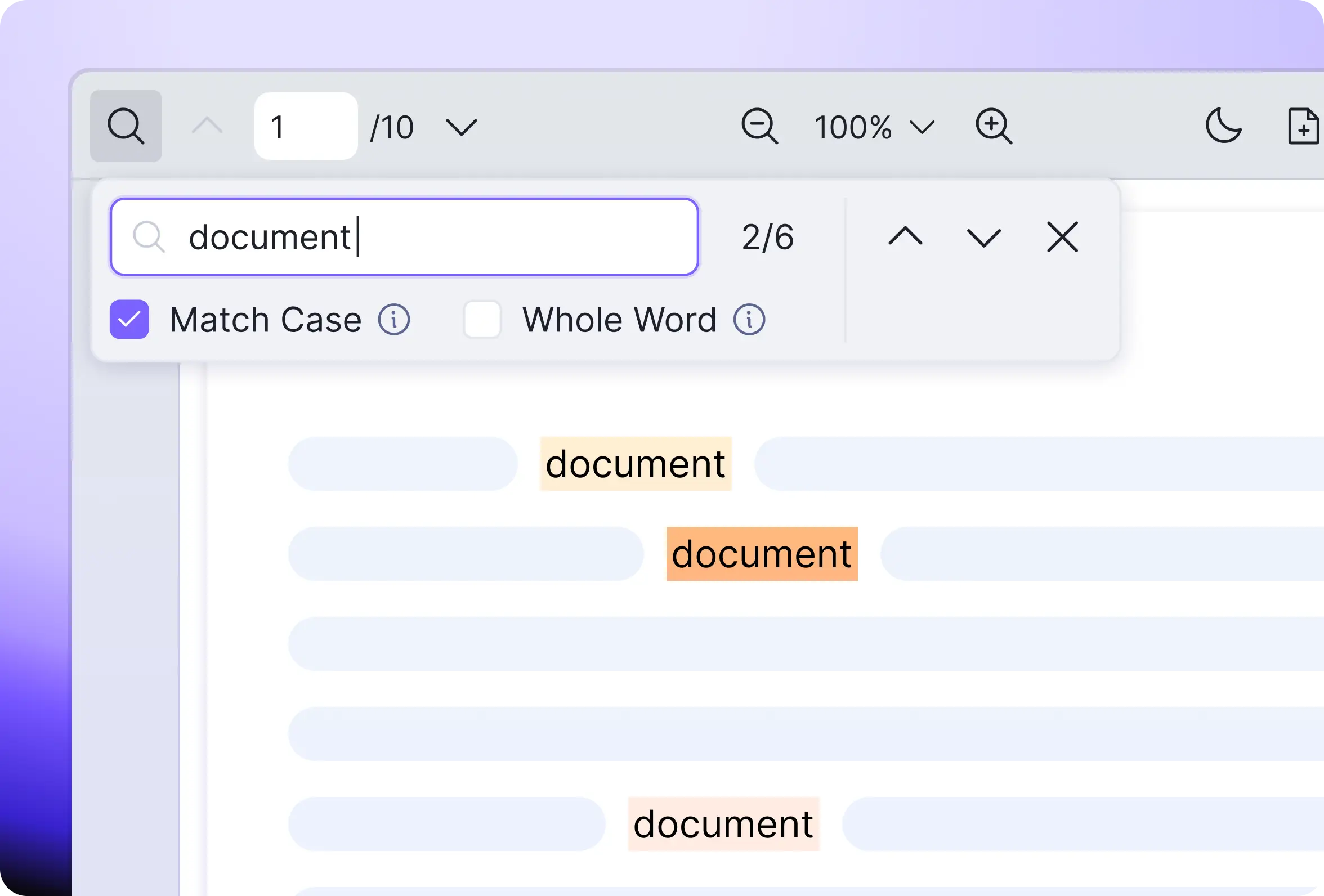
Multiple search options such as match case and whole word
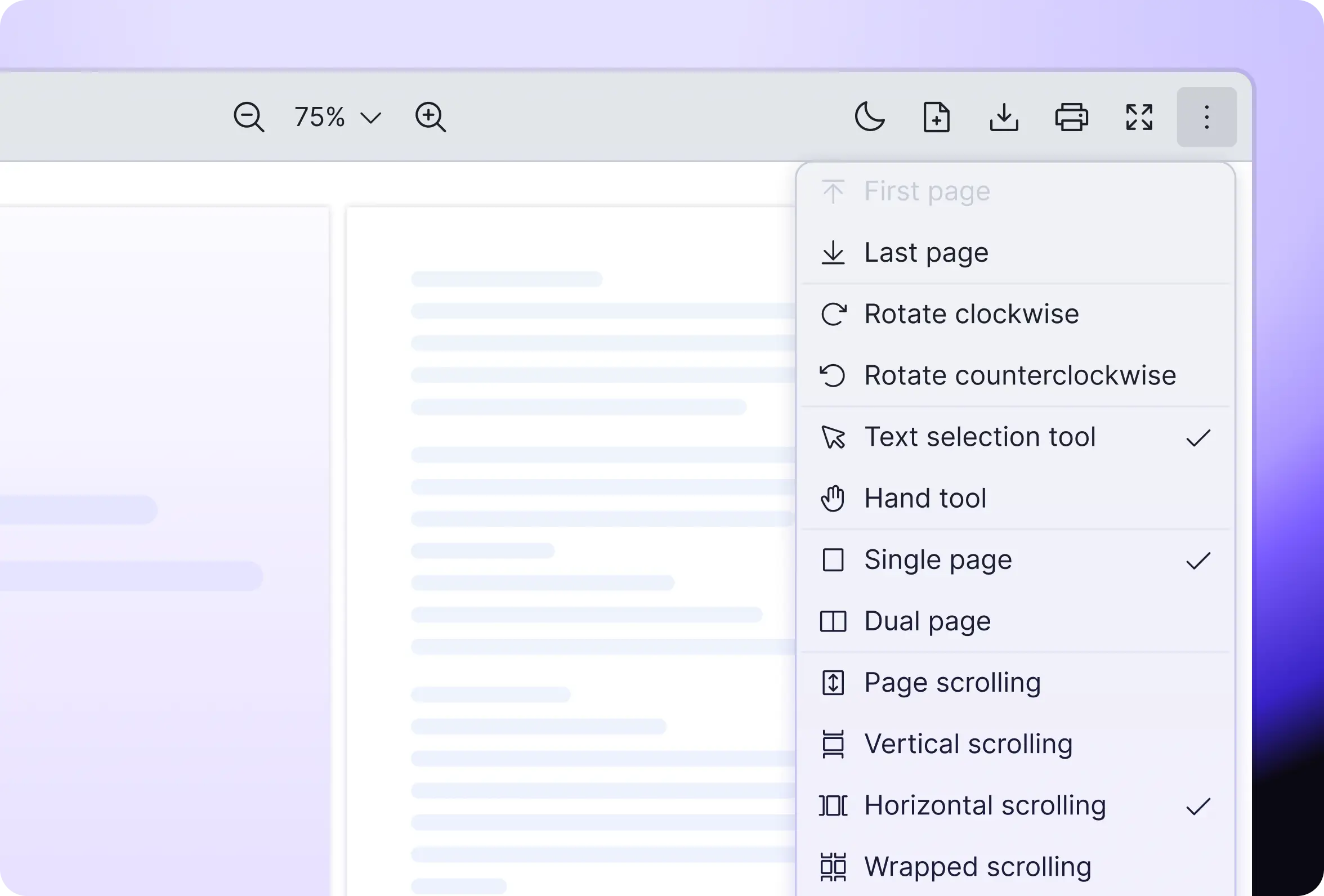
Change to full screen mode
Switch between text or hand mode
View your page in a single or dual page
Different scrolling modes (i.e. page scrolling, vertical scrolling, horizontal scrolling and wrapped scrolling)
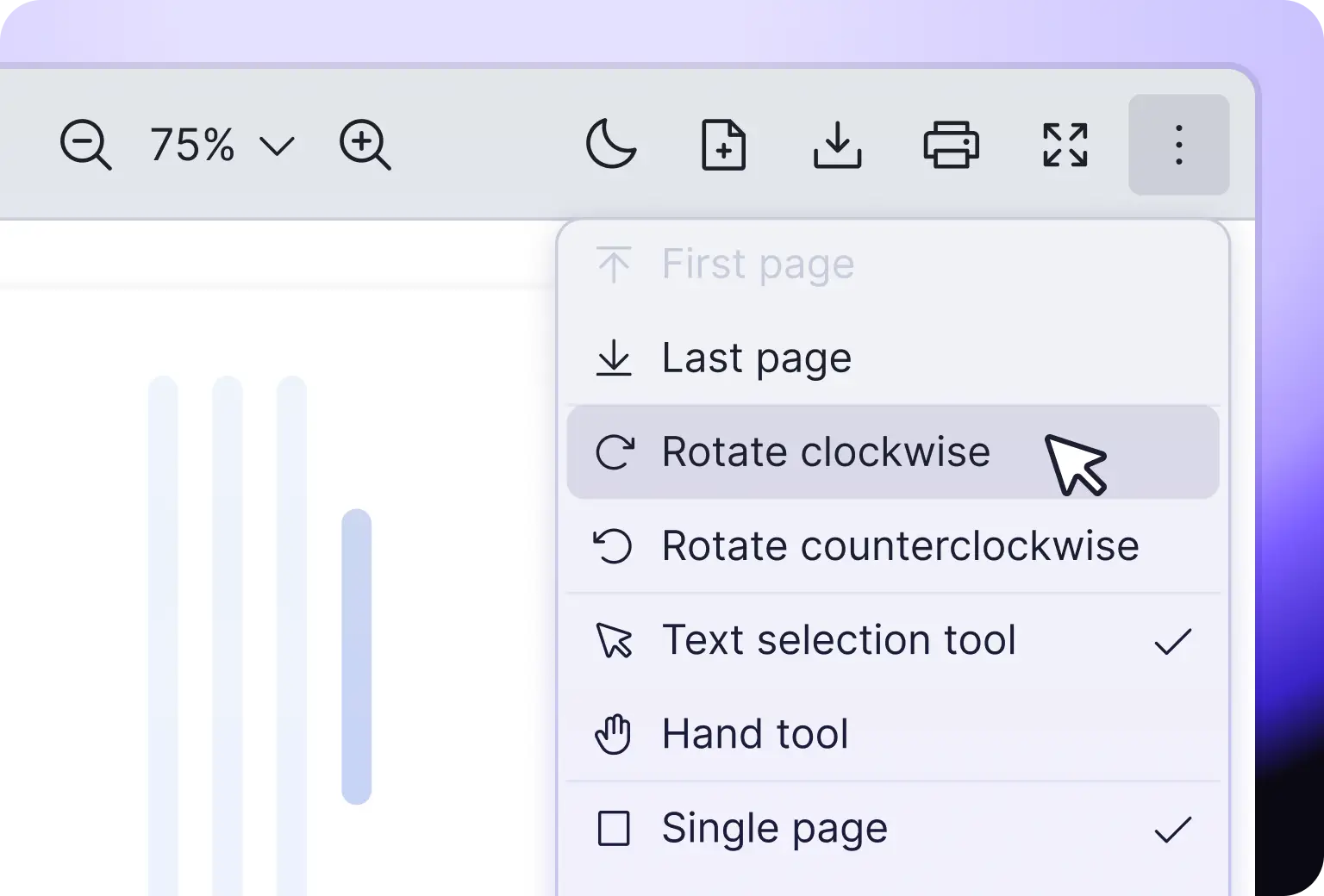
Rotate clockwise or anti-clockwise
Zoom in or out and adjust screen size (e.g., Actual Size, Page Fit)
Search
Vue PDF Viewer search panel showing match case, whole word, and keyword highlight options inside a PDF document
Interactive Tools
Vue PDF Viewer interactive tools including rotate, text or hand mode, full screen, and four scrolling modes

Customizable

Need to personalize PDF viewer to fit your website’s style? Or maybe you want to provide support for your diverse user base by offering multi-languages? We got you covered!
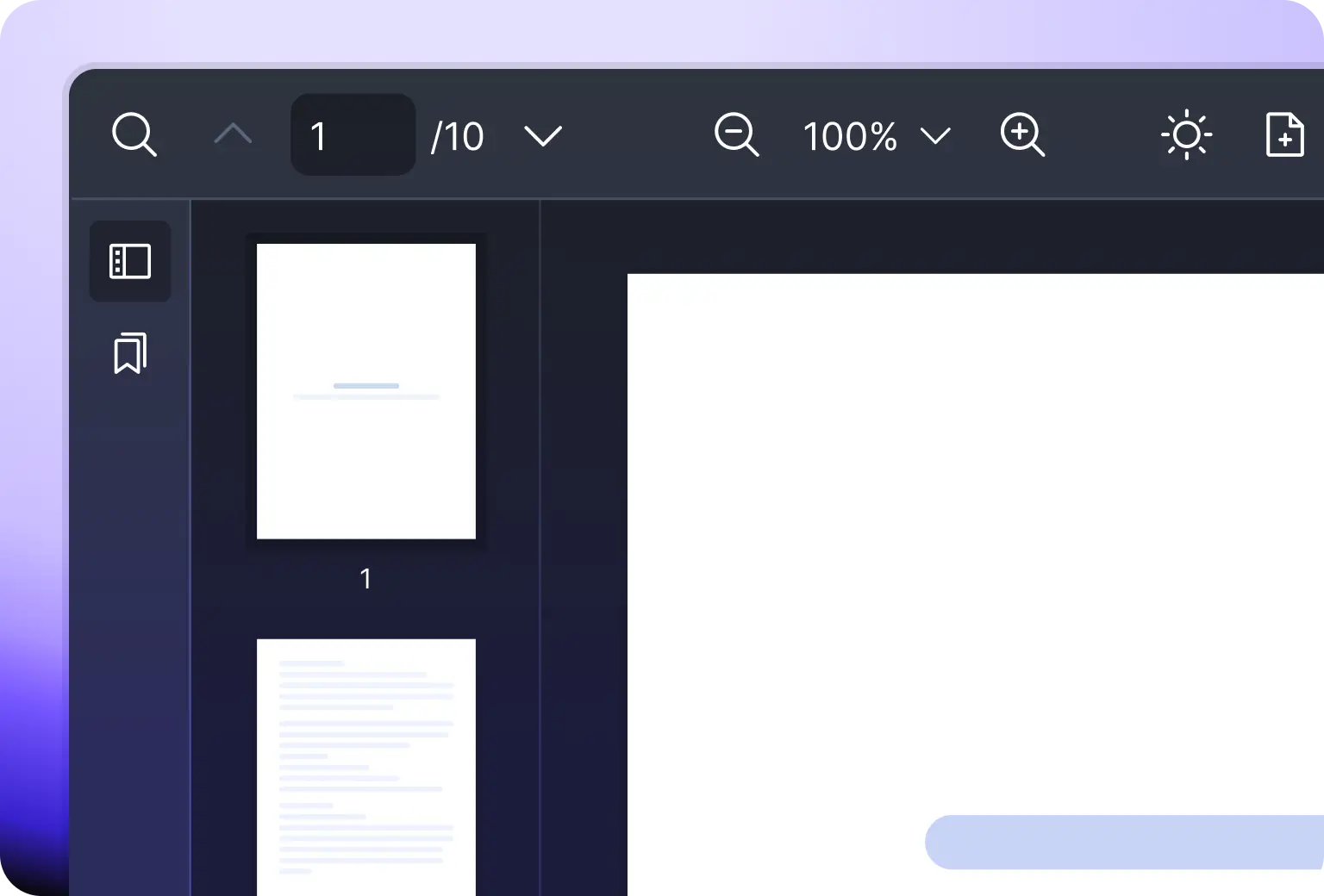

Configure CSS variables or use the default light/dark mode
Equip with 5 languages of translating with an option for a custom one
Hide or show or replace icons on the toolbar
Theme
Vue PDF component customizable themes including light, dark, and CSS variable overrides for matching any Vue 3 design system
Localization
Vue PDF Viewer built-in localization showing five language options with support for adding a custom translation
Customizable Panel
Vue PDF component customizable panel letting Vue developers show, hide, or replace toolbar and sidebar icons

Annotation

With the built-in UI annotation tool, you can easily create, edit or view different annotation types within the PDF document. The interface is simple, intuitive with great and native performance.
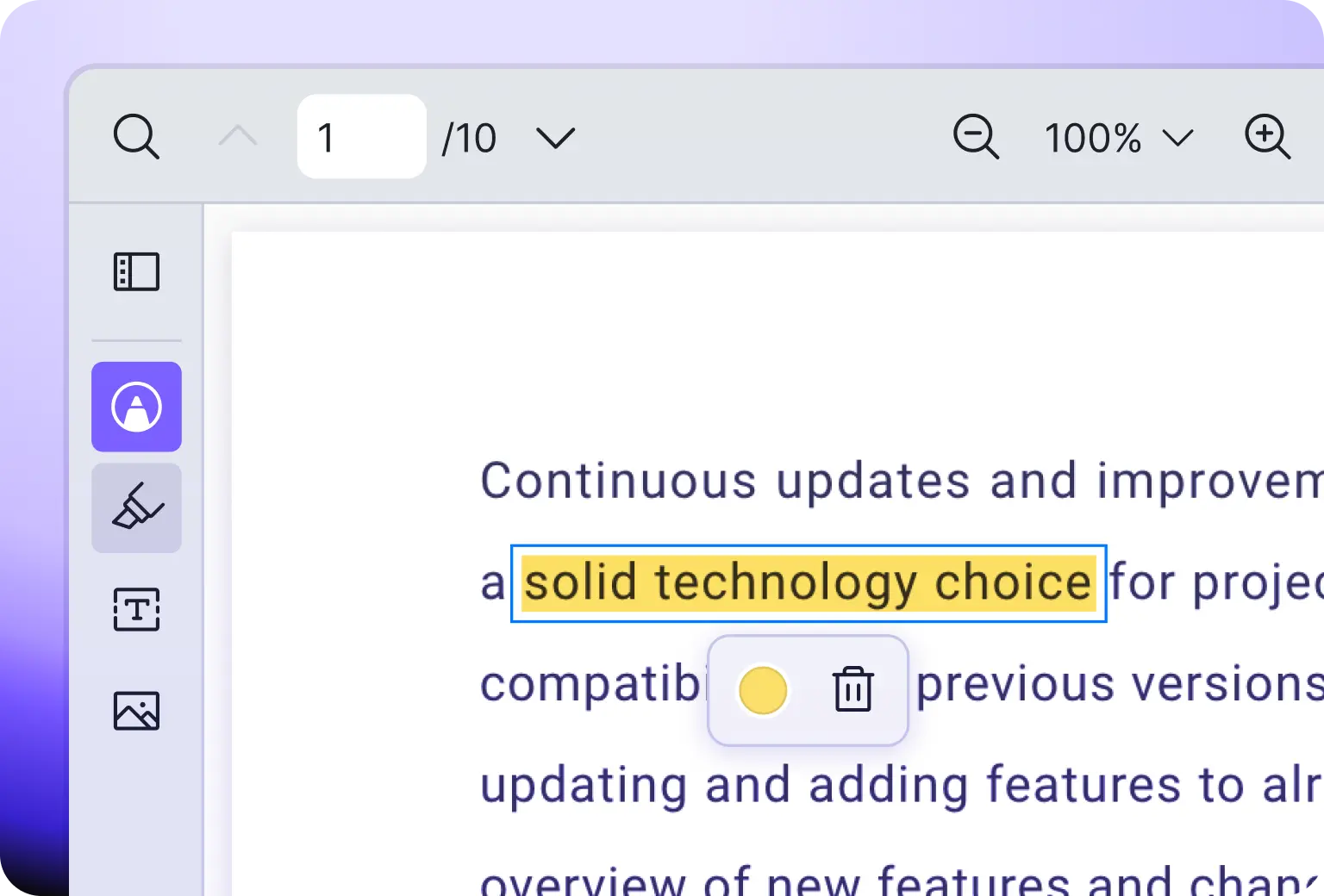
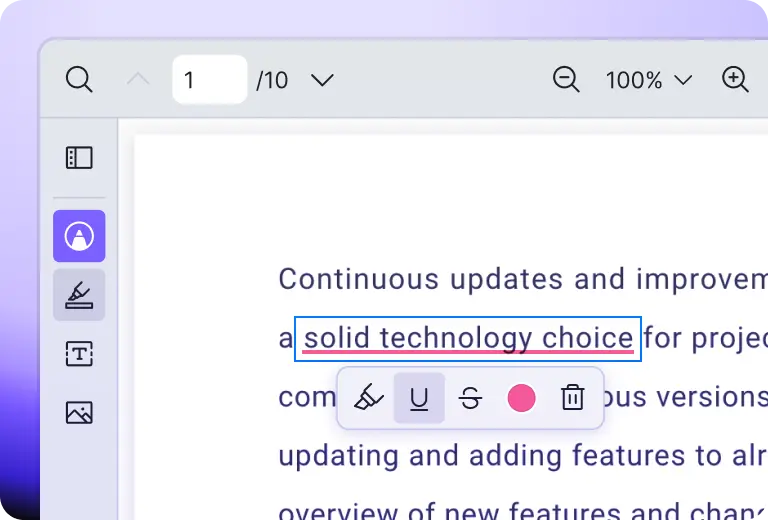
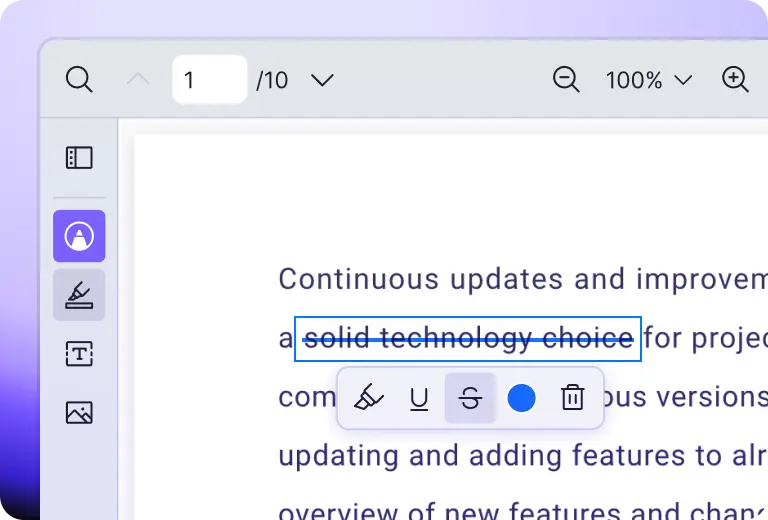
Create highlights, underline, strikethrough and print or download the PDF file with the added annotations
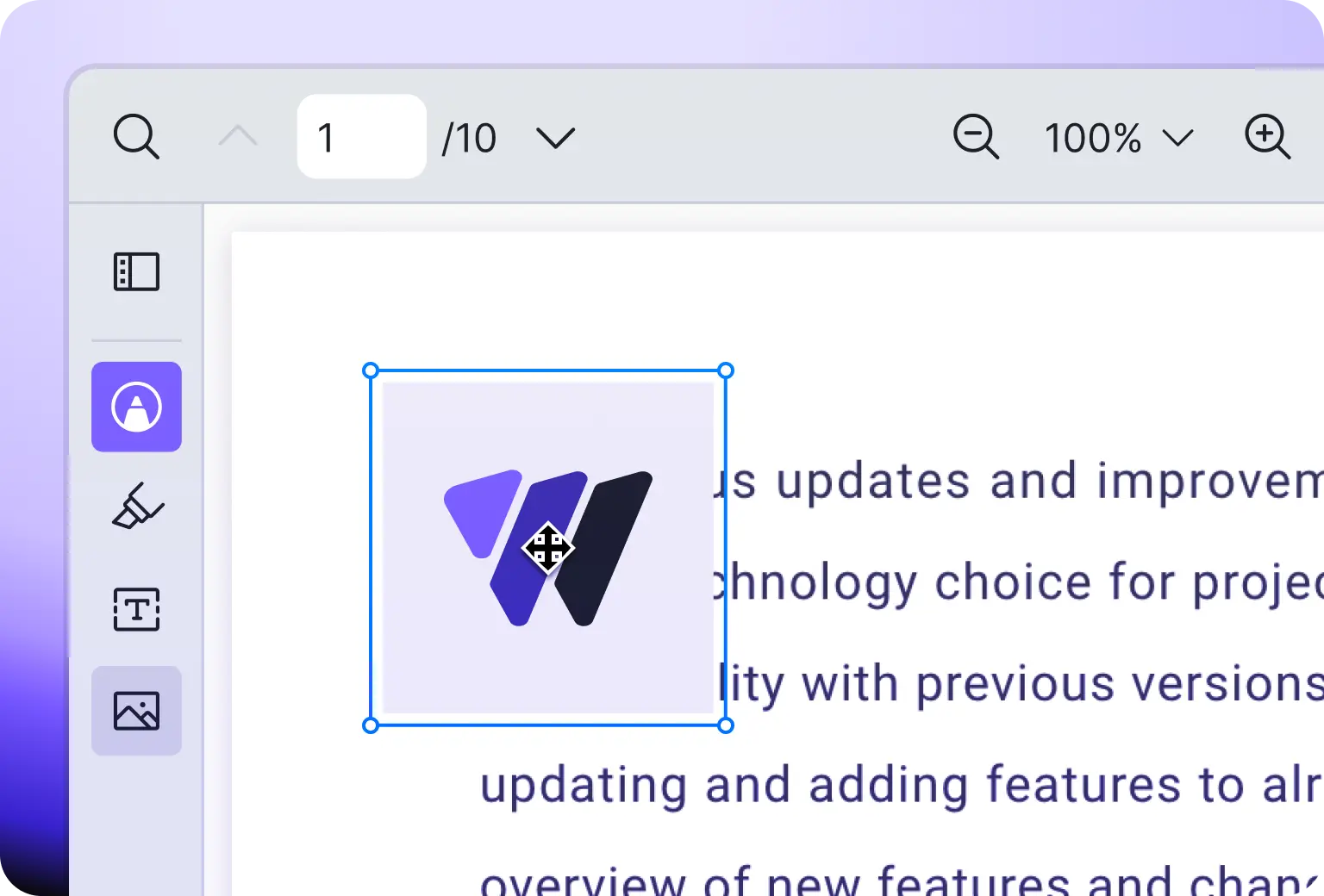
Add images and print or download the PDF file with the added images
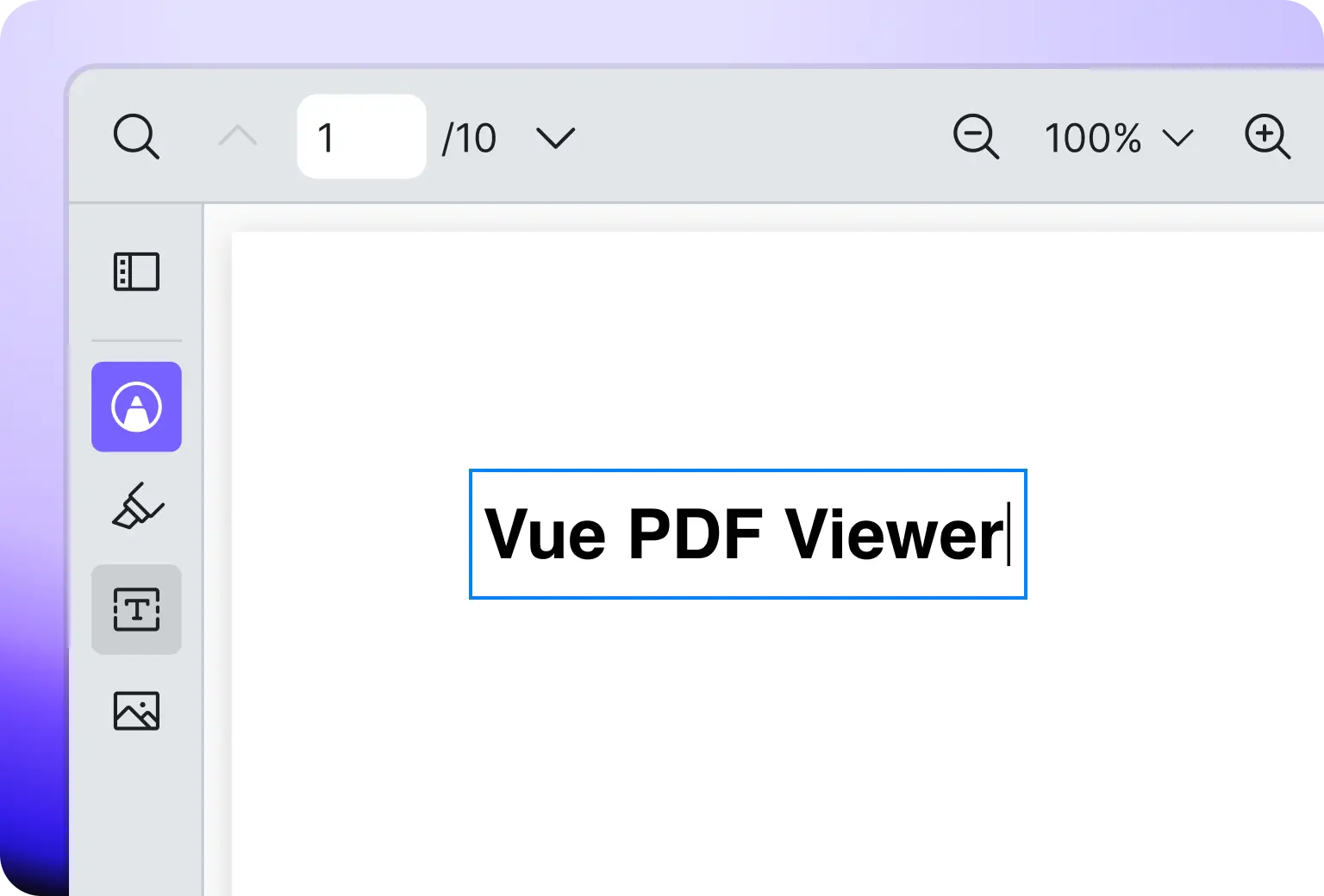
Add texts and print or download the PDF file with the added texts
View content such as text, highlight and comment on the PDF file or on the comment panel
Highlight
Vue PDF Viewer annotation plug-in highlighting selected text in a PDF document with color and comment options
Underline
Vue PDF Viewer annotation tool underlining selected text in a PDF document within a Vue application
Strikethrough
Vue PDF Viewer free text annotation adding editable inline text directly onto a PDF document page
Free Text
Users can add editable free text inside the PDF document with Vue PDF Viewer annotation tool
Image
Vue PDF Viewer annotation tool inserting an image into a PDF document with positioning and resize handles

Responsive

Whether you render the PDF document in your website on desktop, tablet or mobile screens, Vue PDF Viewer adapts responsively to ensure a smooth user experience.
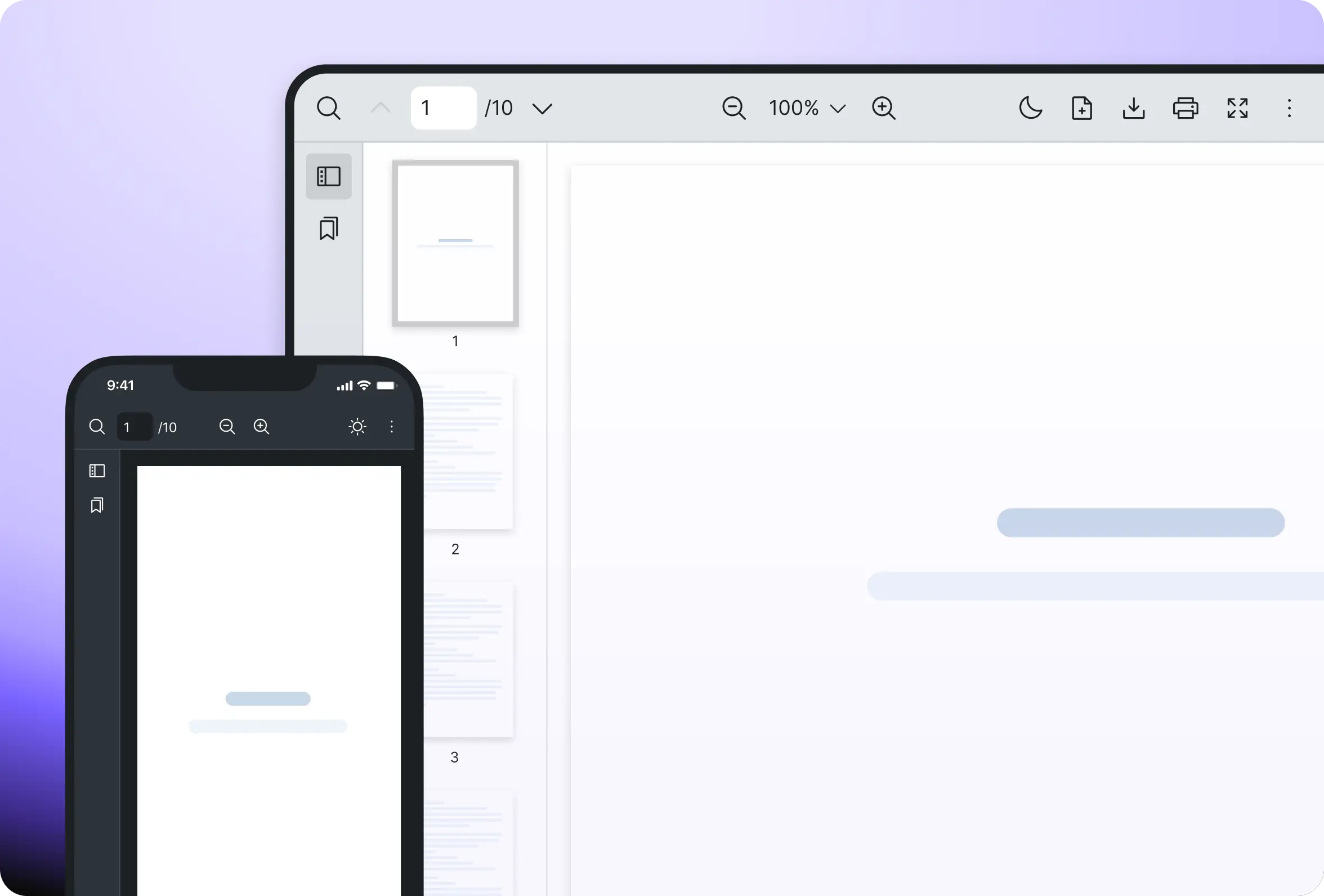
Default web responsive layout
Vue PDF component mobile responsive layout adapting smoothly across desktop, tablet, and mobile screen sizes for any device

Navigation

Easily navigate around the PDF document, both externally or internally. Jump to a specific section using hyperlinks or the Table of Contents. Quickly access important sections directly via bookmarks.
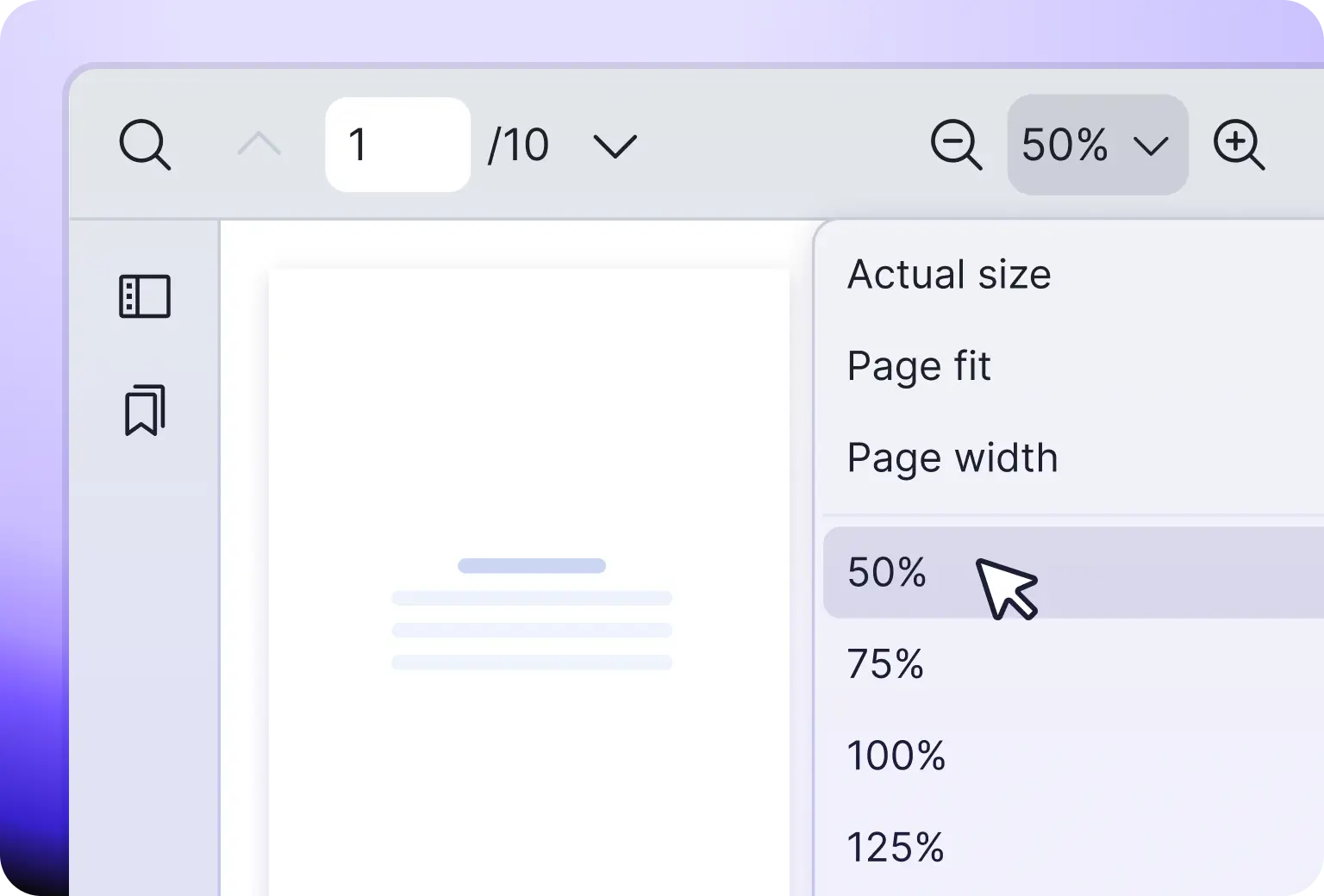
Click next/previous or enter page number
Skip to the last page or back to the first page
Jump to a section in the document with hyperlinks
Get to a section with Table of Contents
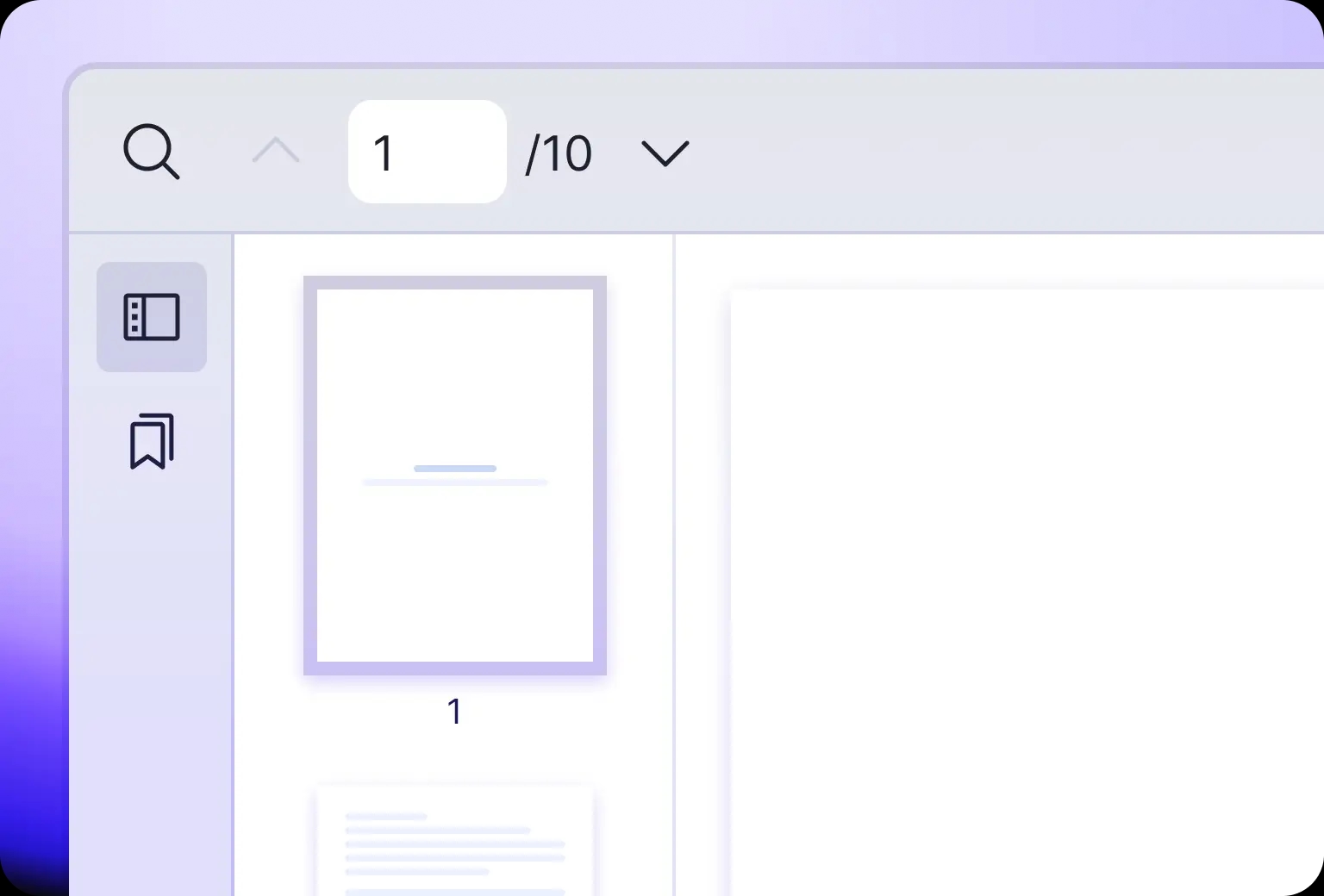
Display thumbnails of the pages for easy navigation
Rotate
Vue PDF Viewer rotate tool turning a PDF document clockwise or counterclockwise for optimal page orientation
Zoom
Vue PDF component thumbnail sidebar showing page previews for quick navigation through a long PDF document
Thumbnail
Users can navigate in the PDF document with thumbnail feature via Vue PDF Viewer

Flexible

Looking to create your own toolbar or interact with your PDF document programmatically? Vue PDF offers comprehensive and intuitive Instance APIs that can be called externally to fit your needs.
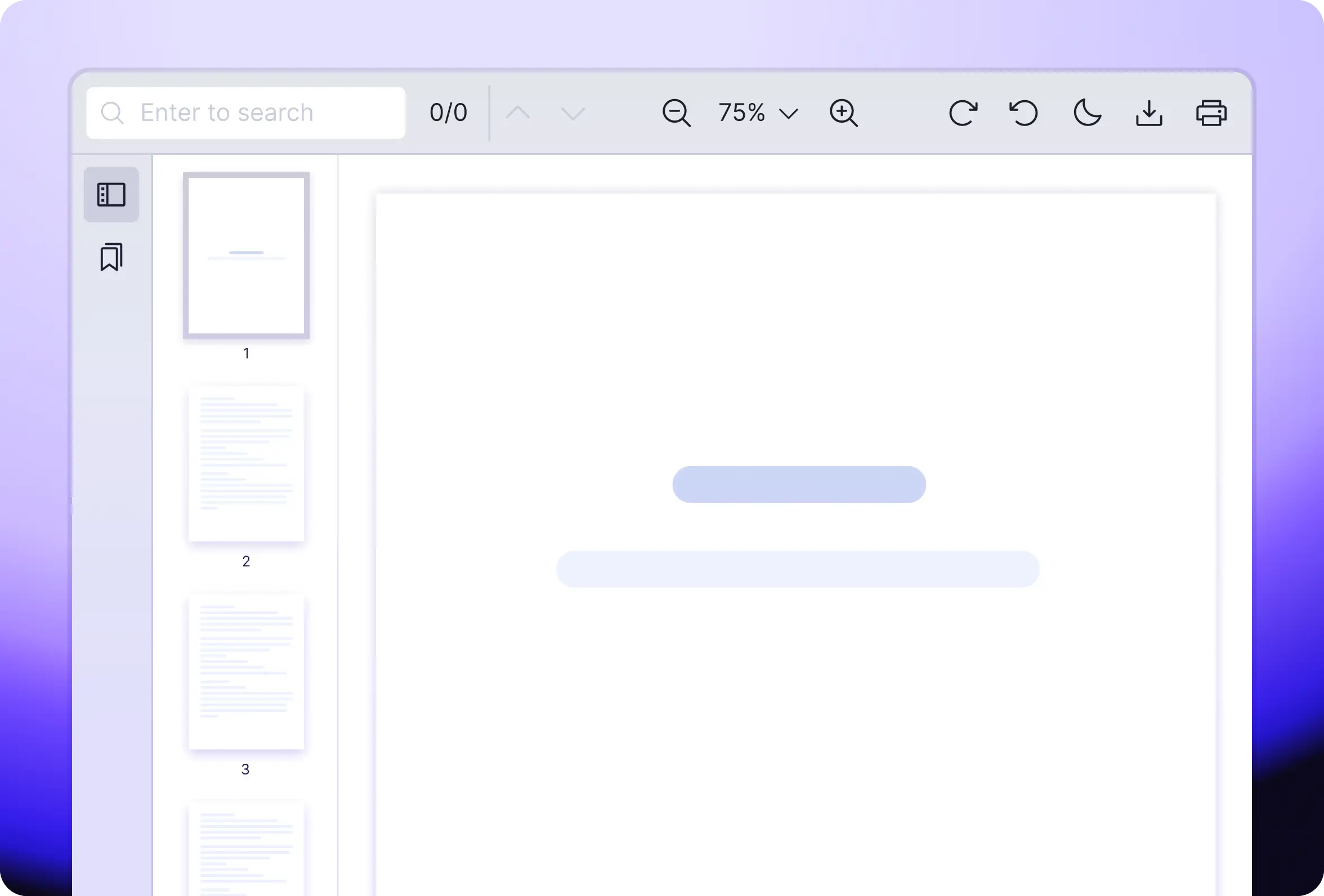
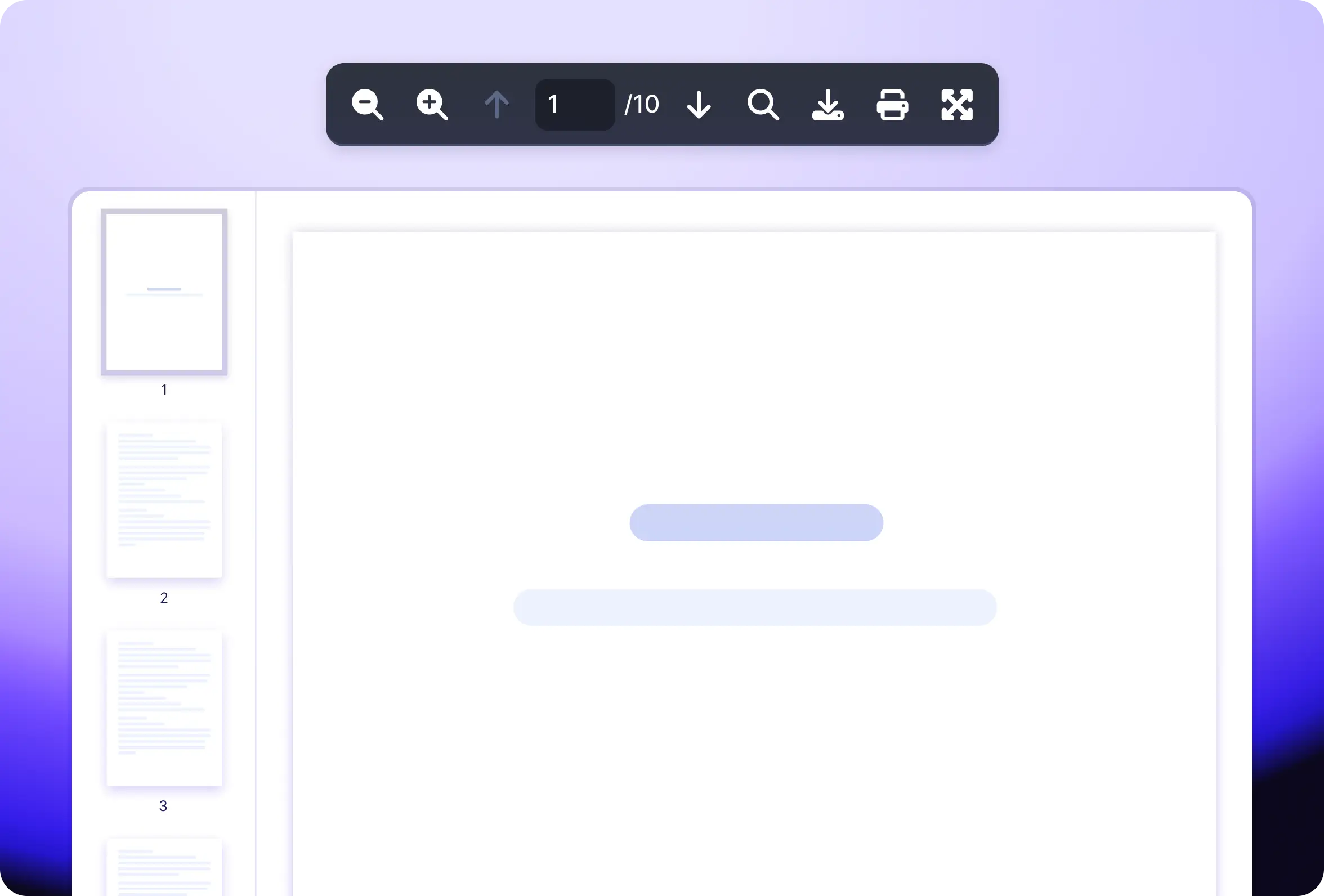
Relevant APIs such as download, print, rotate and more
Programmatically access and manipulate your PDF document
Customize Top Bar
Vue PDF Viewer customizable top bar with toolbar buttons that Vue developers can rearrange or hide
Your Own Toolbar
Vue PDF component Instance API powering a custom external toolbar separated from the built-in viewer layout

Performance Driven

Using pdf.js as foundation, we have built Vue PDF Viewer with virtual scrolling and our proprietary algorithm, enabling fast rendering of large PDF documents. As performance is important, we are actively looking for ways to optimize the library.
Vue PDF Viewer virtual scroll rendering a large multi-page PDF document with fast scrolling and low memory use

Accessibility

The PDF viewer component follows the Accessible Rich Internet Applications (ARIA) guideline. Important operations such as search, zoom, scrolling, print, download and more are fully accessible by keyboard controls.
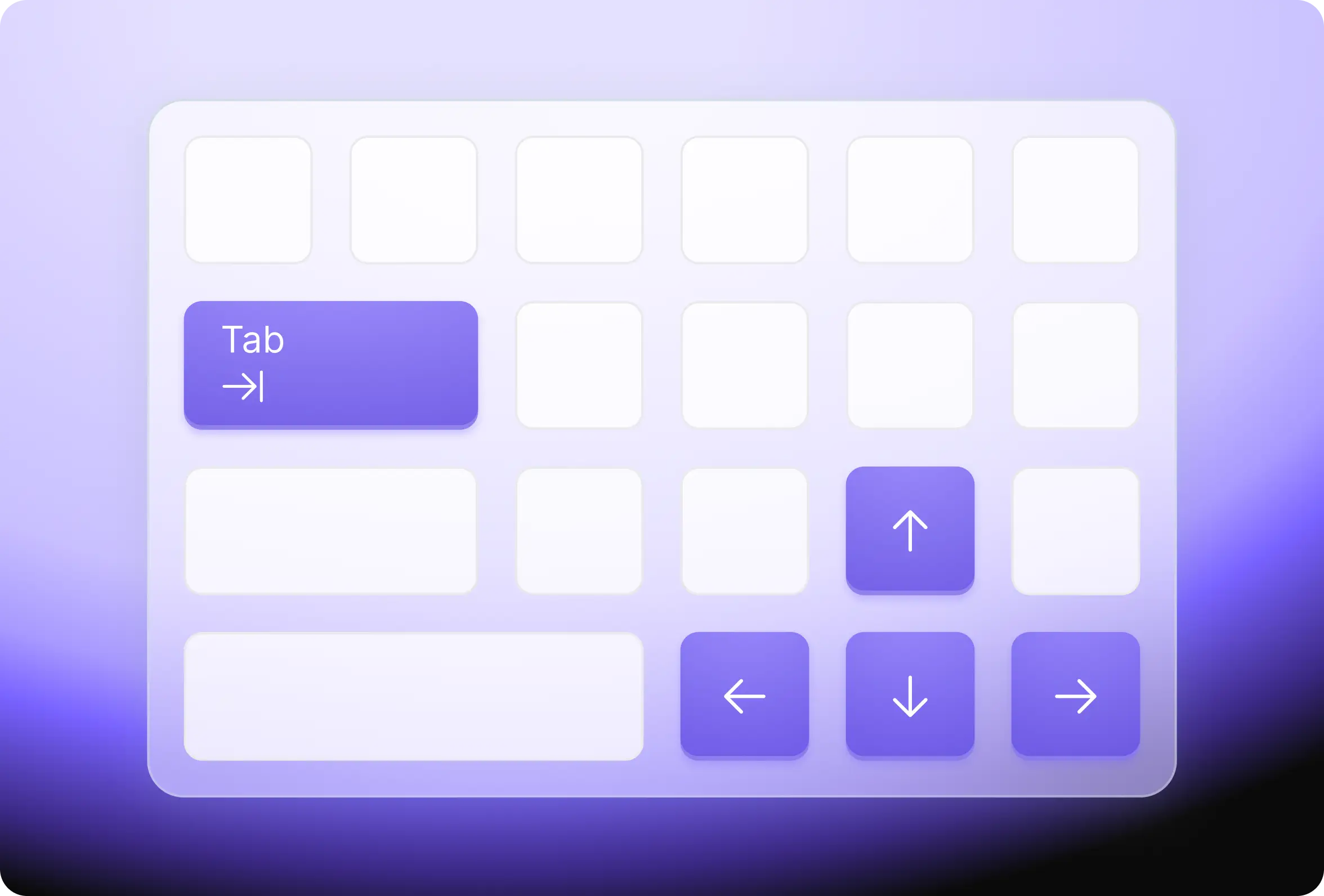
Vue PDF Viewer ARIA-compliant keyboard navigation with accessible shortcuts for search, zoom, scroll, and print

General

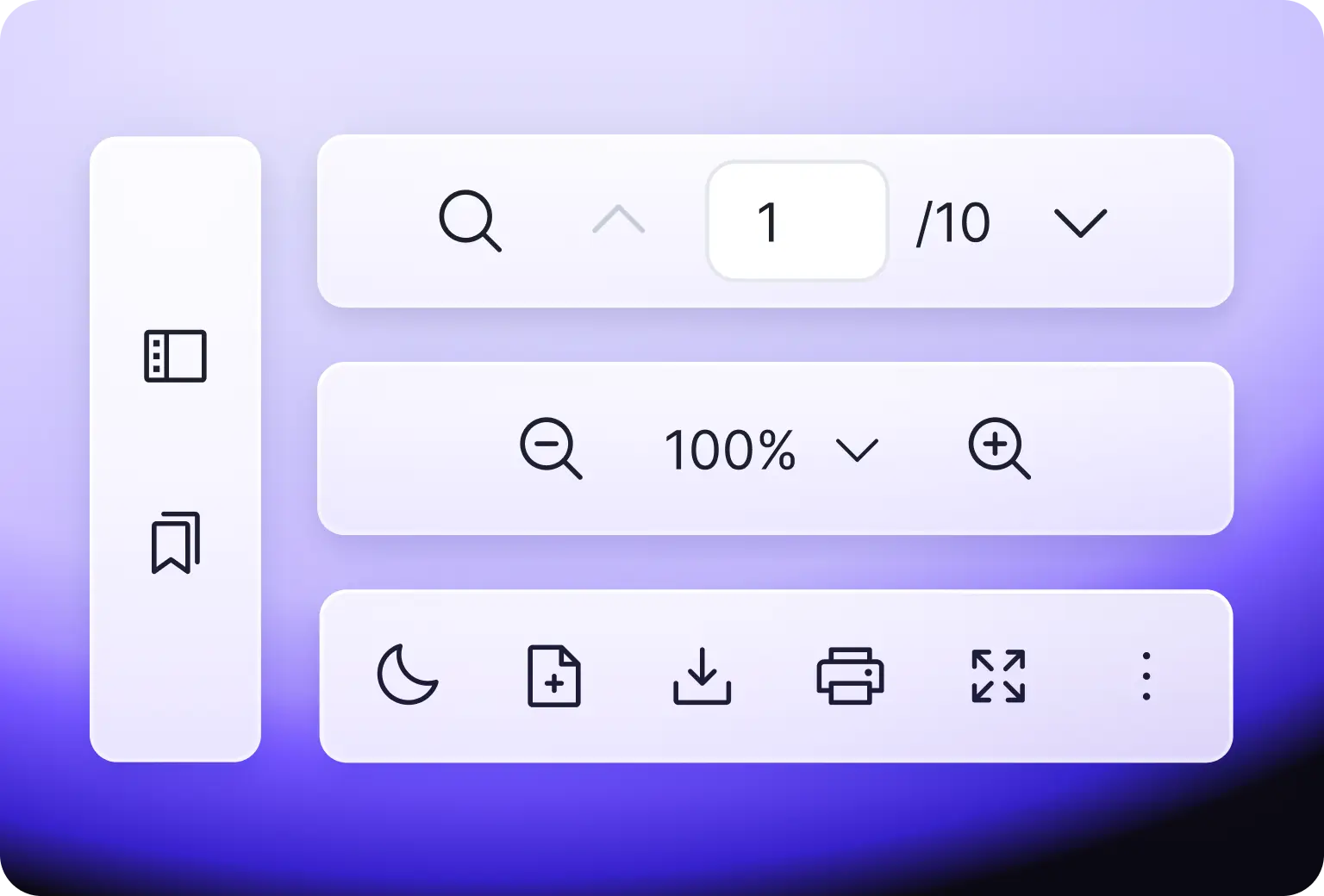
You can find essential tools for Vue PDF viewer in the starter toolkit, offering a solid foundation that you can customize to suit your specific requirements.
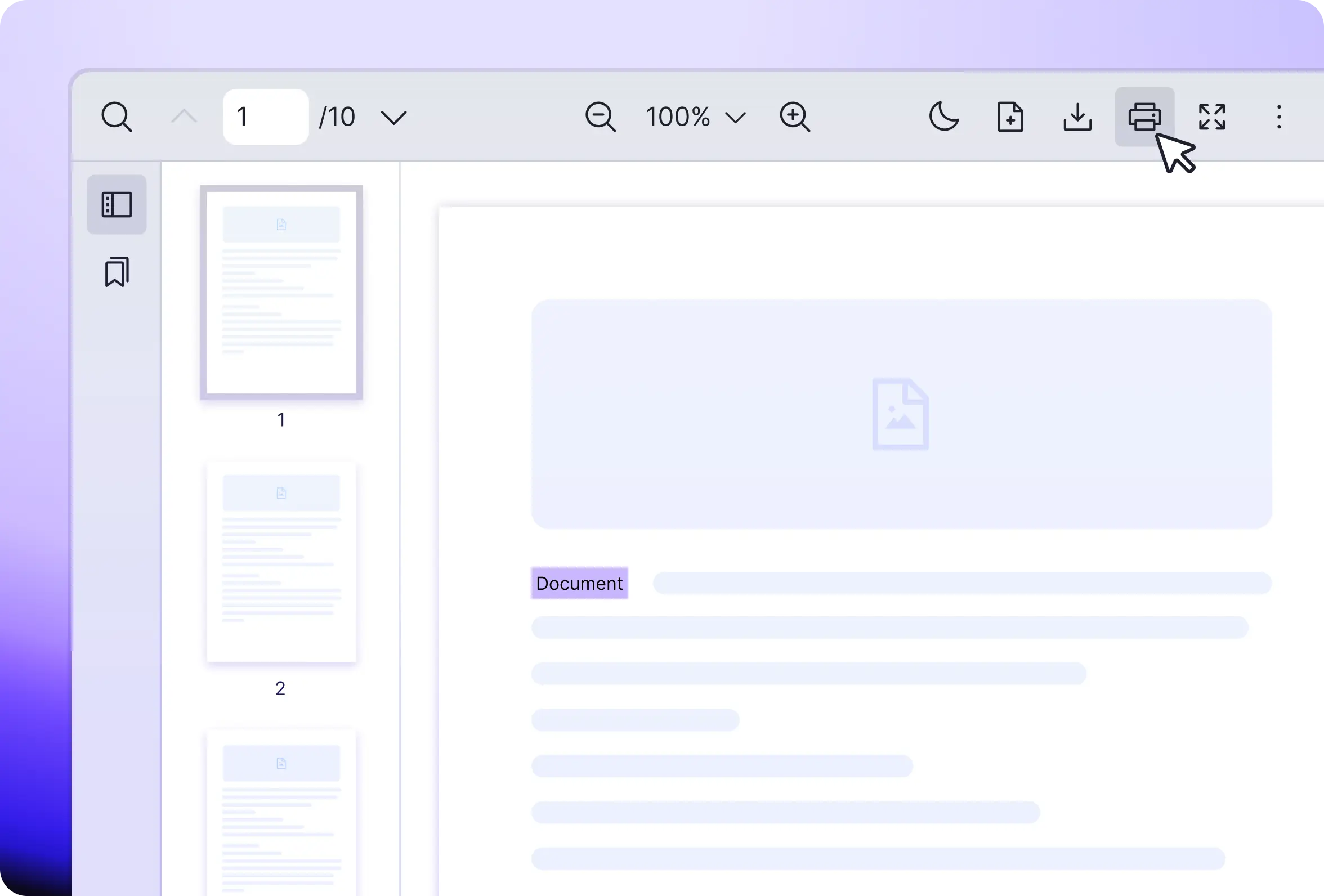
Default Vue PDF layout with toolbar
Display file property
Open File
File Download
Print the PDF document
Support PDF layers (e.g., text, canvas, annotation, AcroForm and more)
Vue PDF Viewer default toolbar with print, download, open file, and document property tools for Vue 3 apps
FAQ

Frequently Asked Questions

Ready to try
Vue PDF Viewer?

Friendly technical docs for Vue developers and teams
Vue PDF Viewer call-to-action banner inviting Vue developers to start the free trial of the component